Serving Tray

I made a small serving tray to hold my teapot and cup. The design is from Fine Woodworking, which I adapted to use only hand tools. I also made a few other minor design choices that altered from the plan.

The completed tray.

Here's an overview of the build process:

The frame of the tray is simple, as you can see here. The colored dots are used to keep track of what goes where.

Another view of the rough cut. The plans call for an 18 or 20 inch long tray, but I reduced the size to 16 inches so it is a perfect fit for my teapot and cup.

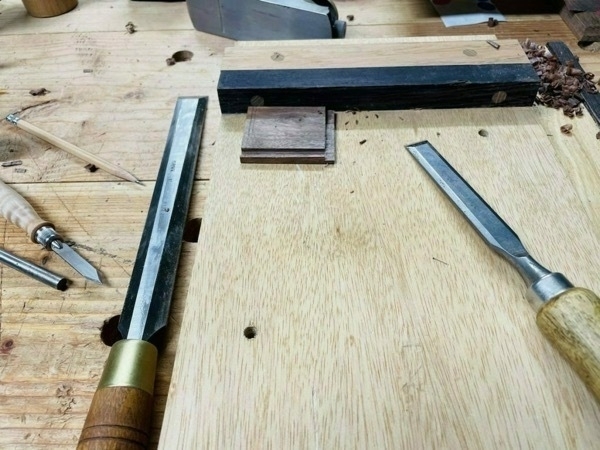
Here is a detail of the cuts. Once the lines are sawed, I use a chisel to pare down to the lines and square off.

In order to clear out the joint, I sawed a bunch of lines so it’s easy to chisel out the waste.

And this is the rough fit for the top cross pieces.

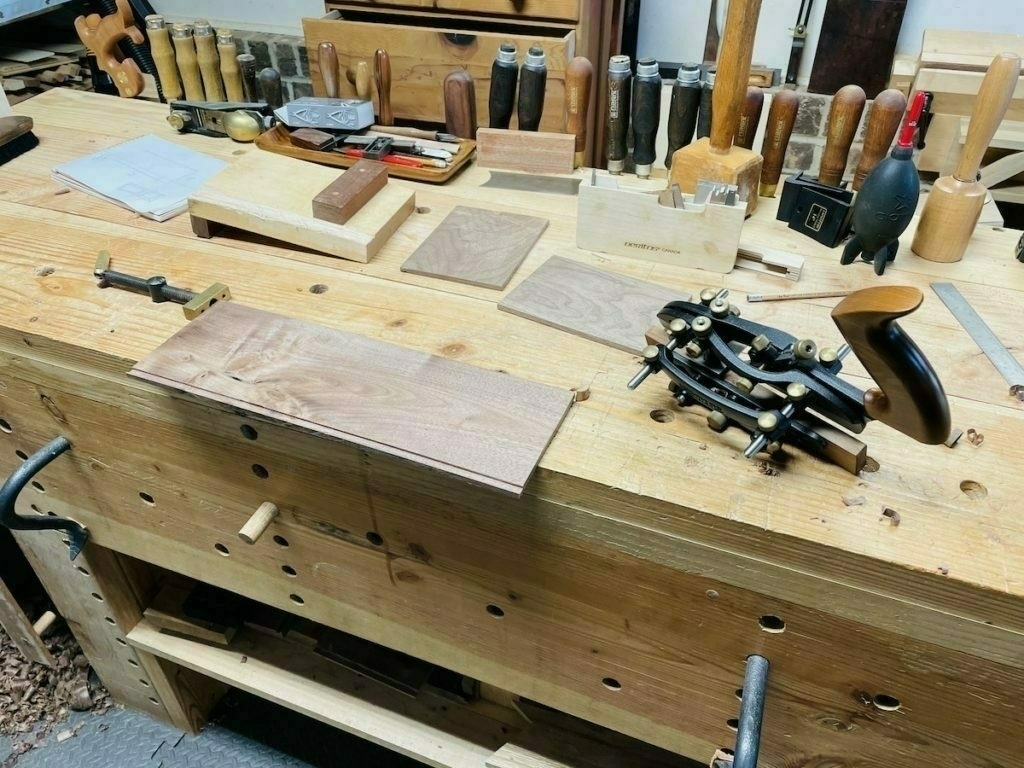
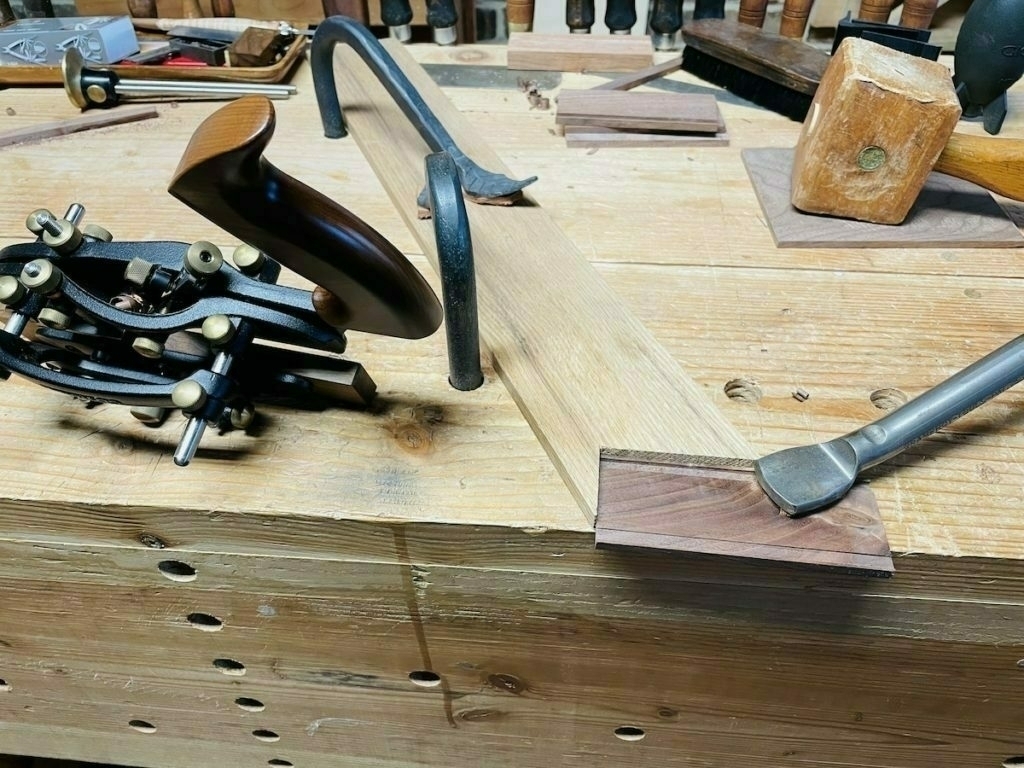
I used my combination plane to cut 1/8 inch grooves in each side, which is where the panels will fit. The grooves are cut quite deep so that the panels have room to shrink and expand freely.

Each side is angled from top to bottom, which gives an elegant look. I did this with a jack plane.

To cut out the handles on each side, I used a dovetail saw to make a series of cuts and then chiseled them out.

A detail showing the chisel work.

Here are the completed handles.

Each handle is wrapped with blue waxed cord I got from the Maine Thread Company. I’ve only recently discovered how easy it is to wrap cord and I’ve been wrapping things all over the house!

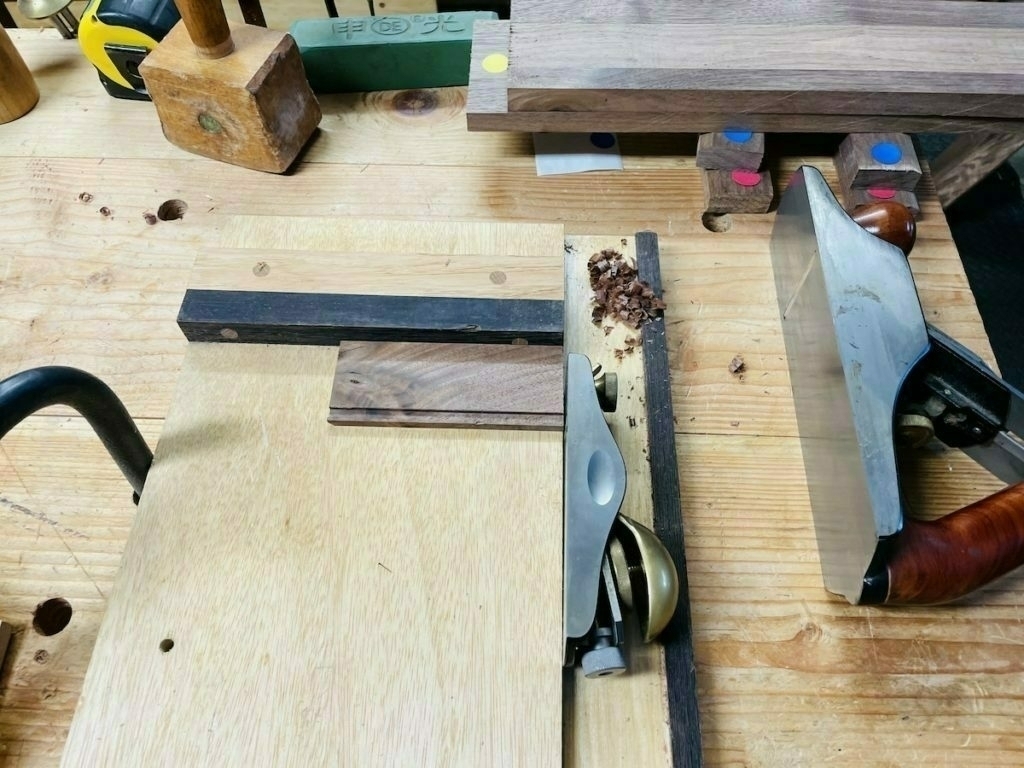
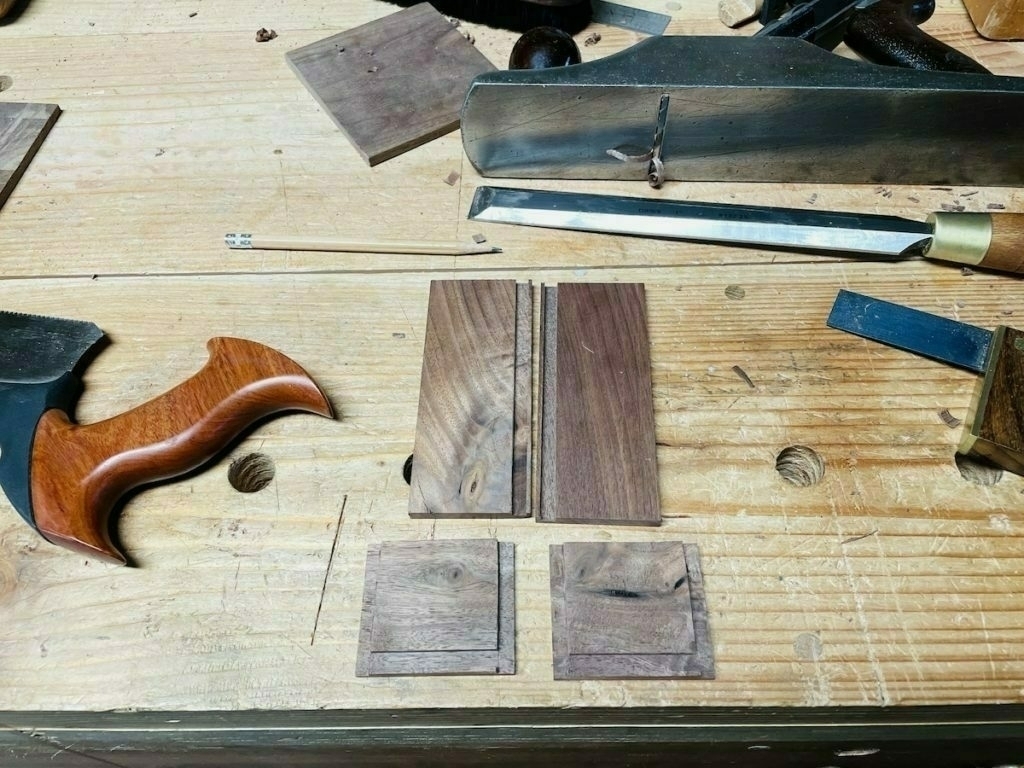
Then I fit the panels. The ends of the ¼ inch panels are rabbeted to fit in the side grooves and shiplapped for the inside edges so no gaps will show with expansion or contraction.

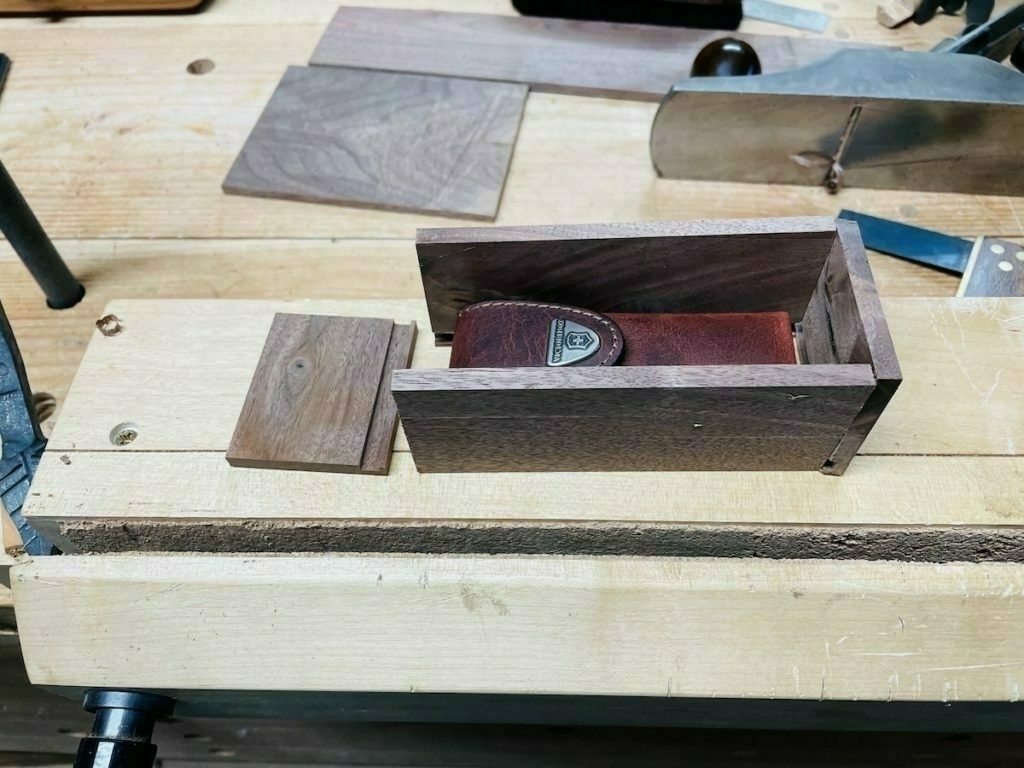
Here’s the dry fit. The plan called for grooves on each end board, as well, for the panels to fit into. I didn’t do that. My panels just butt up against the ends, which I think will work just fine for my needs. This alleviated the need to do a really tiny 1/8 inch stopped groove in each end.

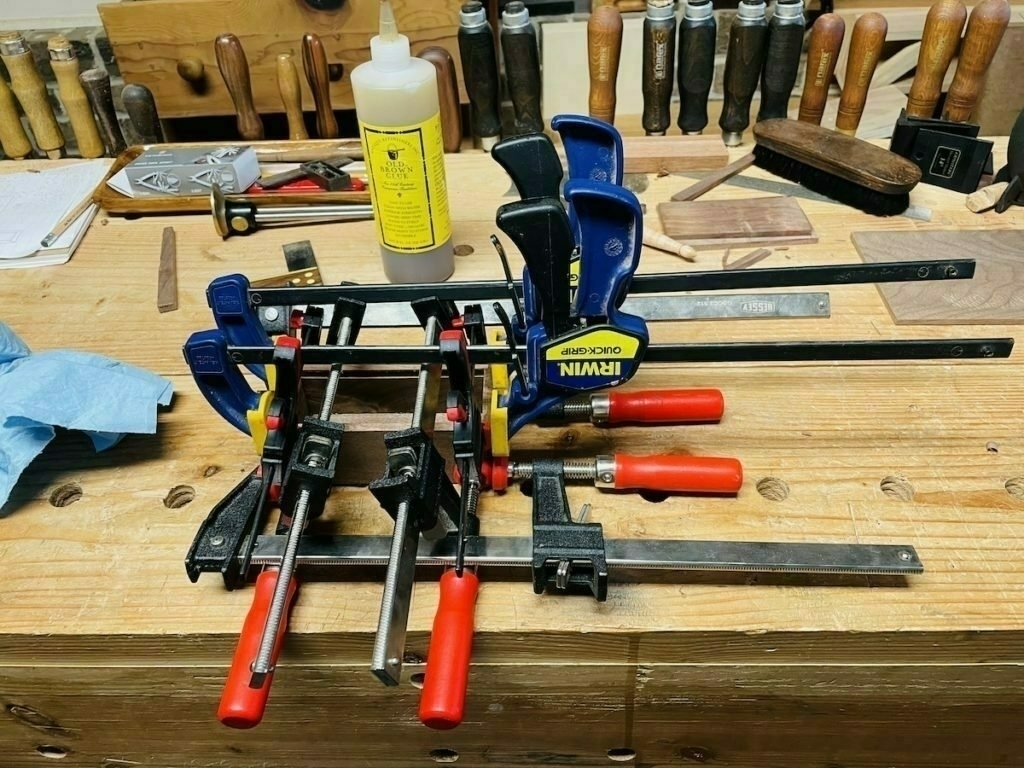
And the glue up.

Now for the scary part: for strength and appearance, small brass pins (1/8 inch diameter and ¾ inch long) are set into each corner of the tray. Here, I’m preparing to drill. It was tricky to figure out how to hold the tray firm.

And then I drilled 16 holes to fit the pins: 8 on the top and 8 on the bottom.

Here is the detail showing the pins in place. I applied three coats of Osmo satin clear TopOil.

And it’s done!

Where the Gunpowder tailwater begins — at Prettyboy Reservoir in Baltimore County, Maryland — it’s ranked in the top 100 trout streams in the nation by Trout Unlimited and is a joy to fish (on weekdays when not crowded). Visited the reservoir dam today and it was just beautiful. The swallows own this place.

The mountain laurel is blooming in Gambrill State Park near Frederick, Maryland. And this is my first post on micro.blog after migrating my website.

mountain laurel flowers

Shaving Horse Build

The completed shaving horse. I had a large black walnut fall in my yard, so I wanted to create some spoons from the Greenwood. I needed a shaving horse to hold the limbs for the carving work, hence this project. In a nutshell, you site on one side and push against the bottom bar to hold the work piece. The top where the work piece goes has a sheet of leather to keep the wood from moving around.

Japanese Joinery Square Build

Here was a challenging project from a few years back that I neglected to post. It involves some difficult joinery.

It looks great from the side.
But the joinery in the back is not so nice. It's functional as a square, though, so I'll take it.
The project was mostly an exercise in chisel work to clear out the wood.
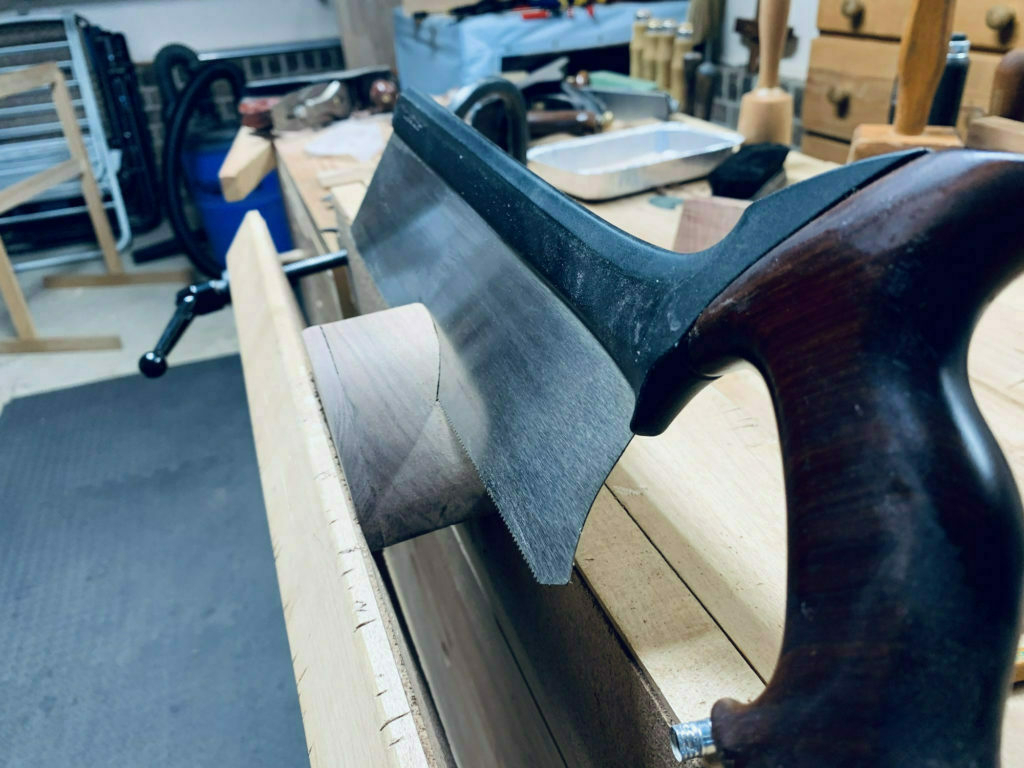
The arm of the square showing the joinery. The curved handle was cut with a bow saw and smoothed out, no big deal.
The handle after cutting out the mortise and dovetail, with the completed arm in the background.

Duck Head Business Card Holder

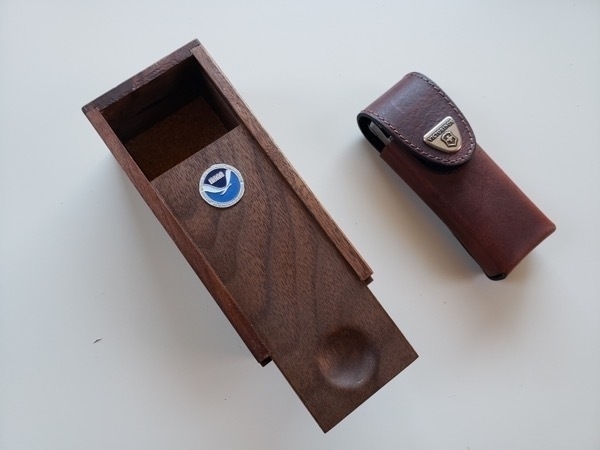
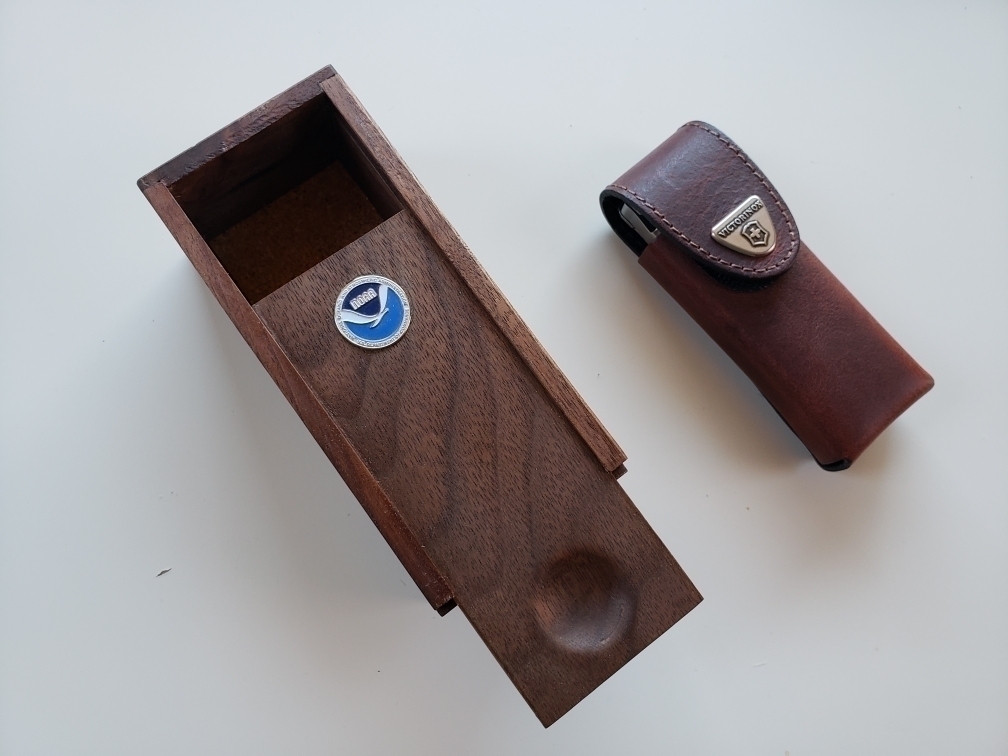
This is a weird little item, created from a bit of walnut I had no idea how to use: I friend gave me some duck body and head blanks. As I'm not a carver, I'm still figuring out how to use these. For one duck head, however, I decided it was a nice shape for a business card holder. I made this for a colleague who transferred to a new job. As we work for NOAA's National Ocean Service, it occurred to me that the duck head shape had a bit of an ocean wave flare to it. So that's what I hope it evokes.

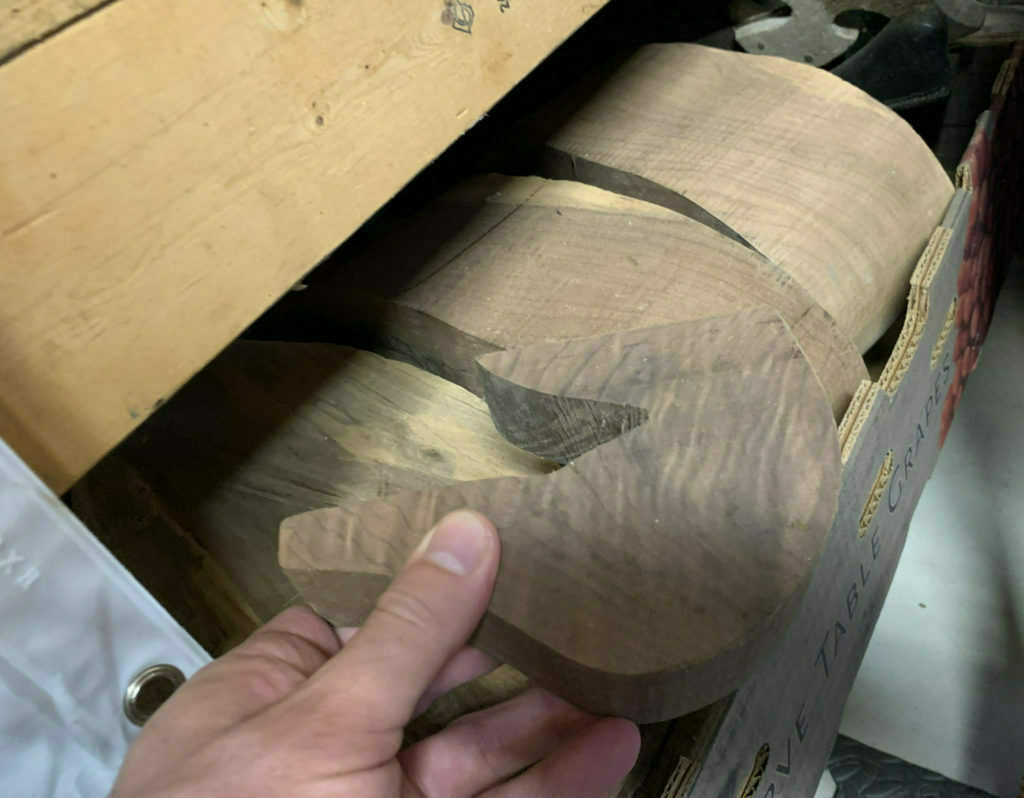
Here's the starting point: a duck head blank. In the background, you can see the bodies I have yet to decide what I should do with.
The duckhead was a bit too thin for a stable card holder, I reckoned. So I added walnut strips to the front and back. It adds a bit of complexity, but I was determined to make this work.
Cutting the notch for the cards was just a matter of eyeballing it.
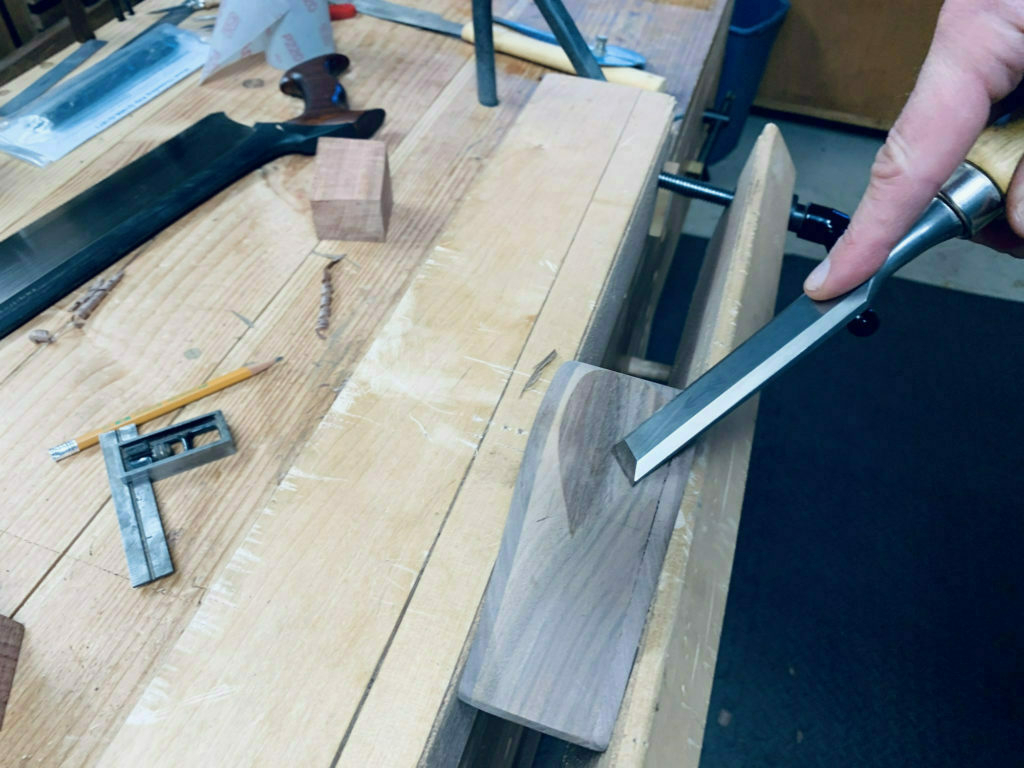
And cleaning it up with some chisel work.
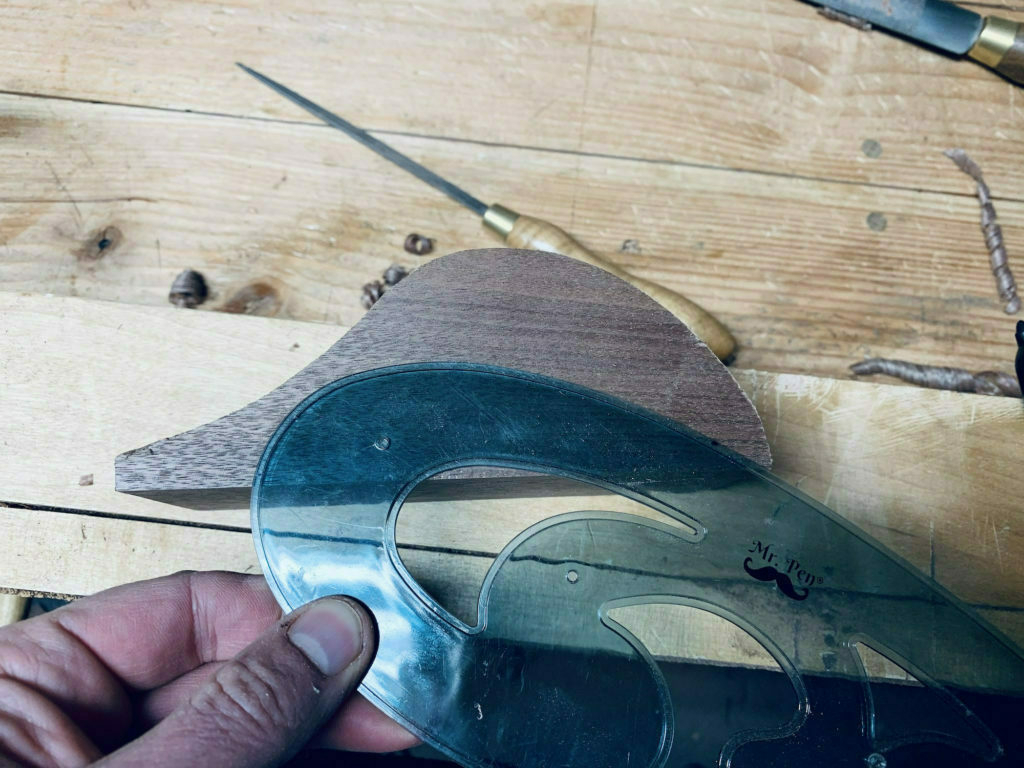
I added a nice bottom wavy curve.
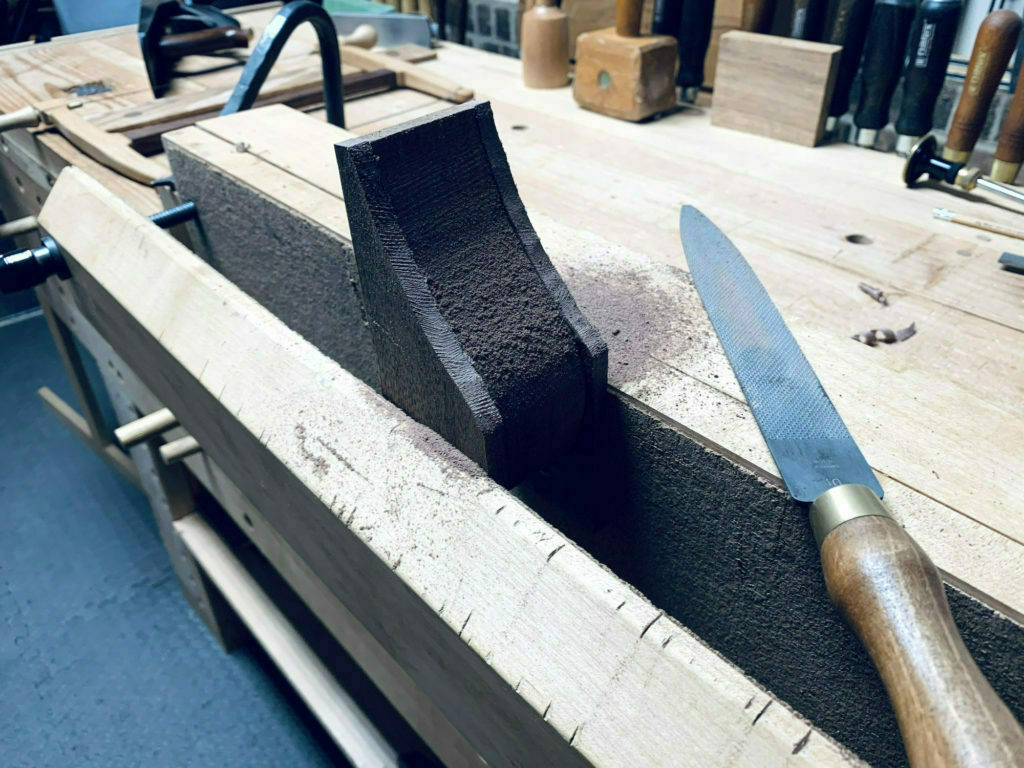
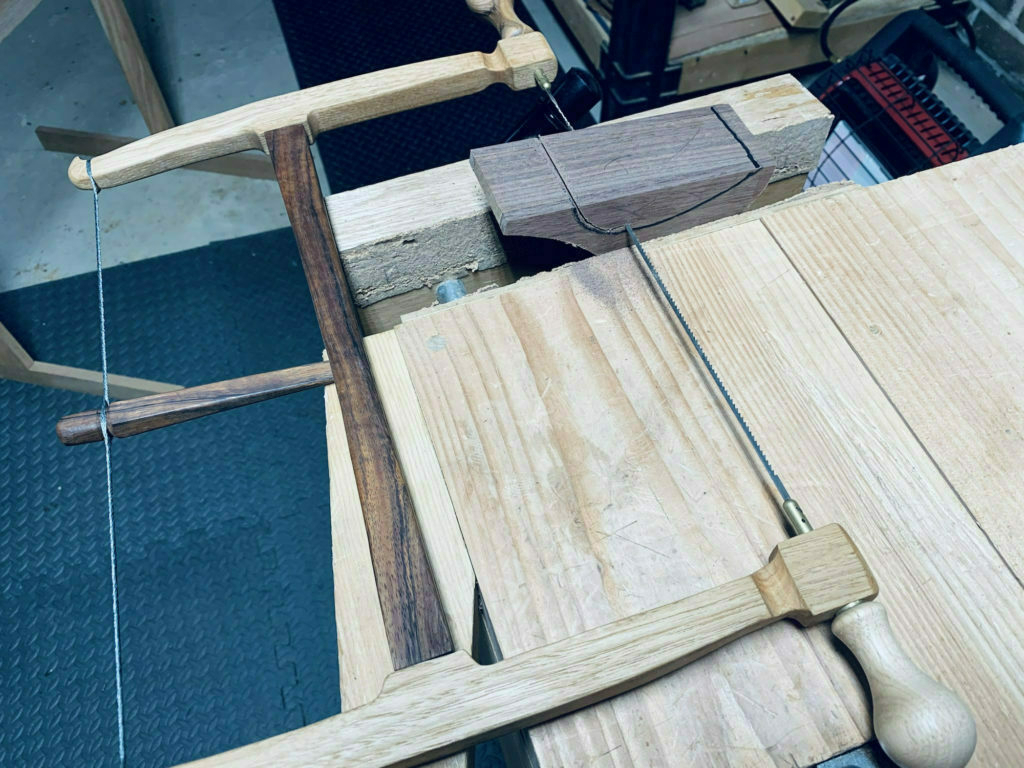
And sawed it out. The final shaping was with my files.
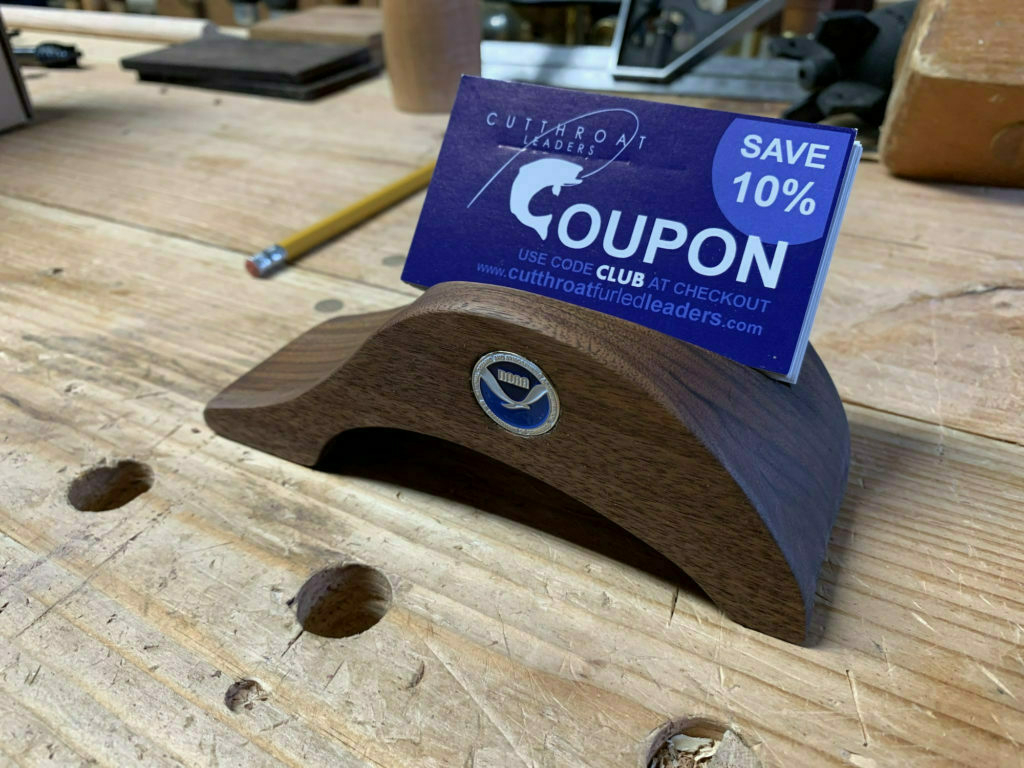
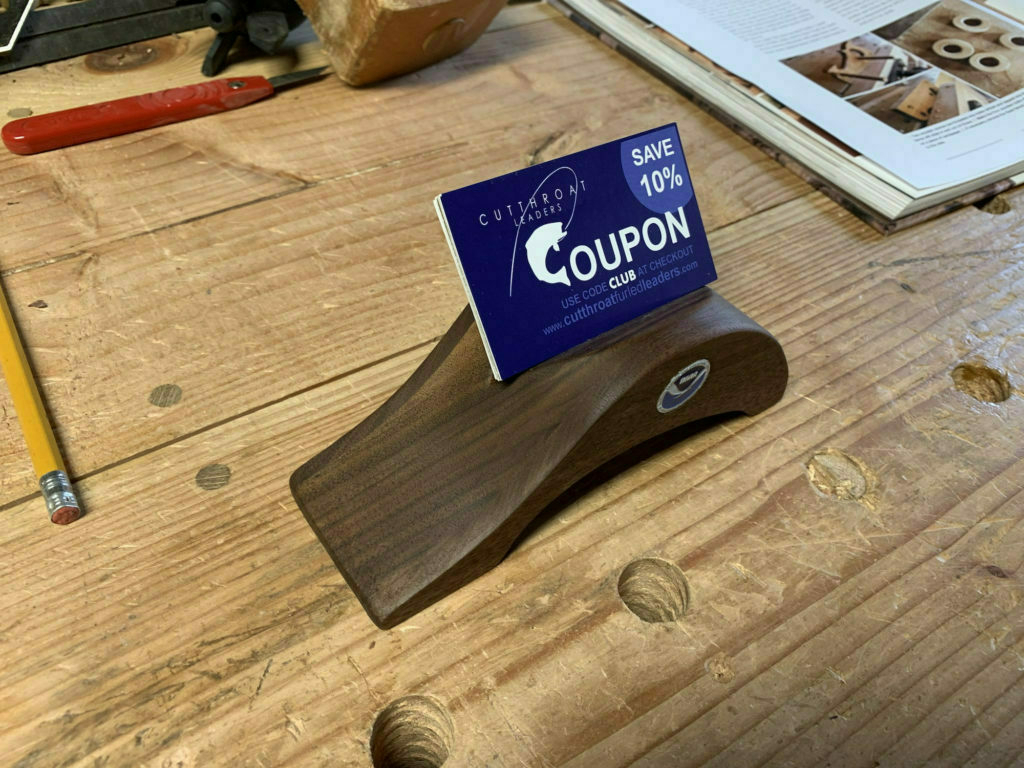
Here's a view of the final card holder. I got ahold of a lapel pin from the place where we work, cut off the back, then cut out a hole to fit it nicely.
Here's the front view with some sample cards. I think it turned out quite well!

Simple Ulu Handle

Woodcraft sells a simple Ulu knife kit. A while back, I picked up five of them because they were on sale for something like half off. Not much to these. Just a blade and some optional rivets. The only mildly difficult part is creating the tiny little mortises where the handle will sit.

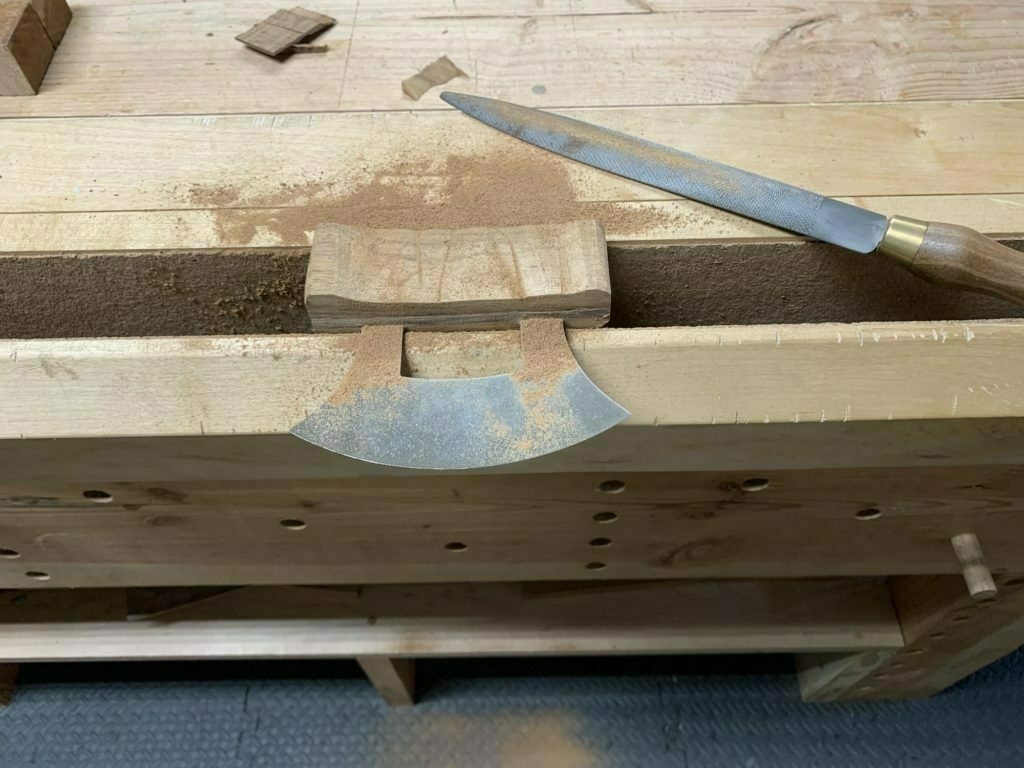
I neglected to take a photo when creating the 3/64" deep mortises, but it's pretty easy to do with a tiny chisel. I could have used a tiny router plane. Someday, I may pick up on of those.
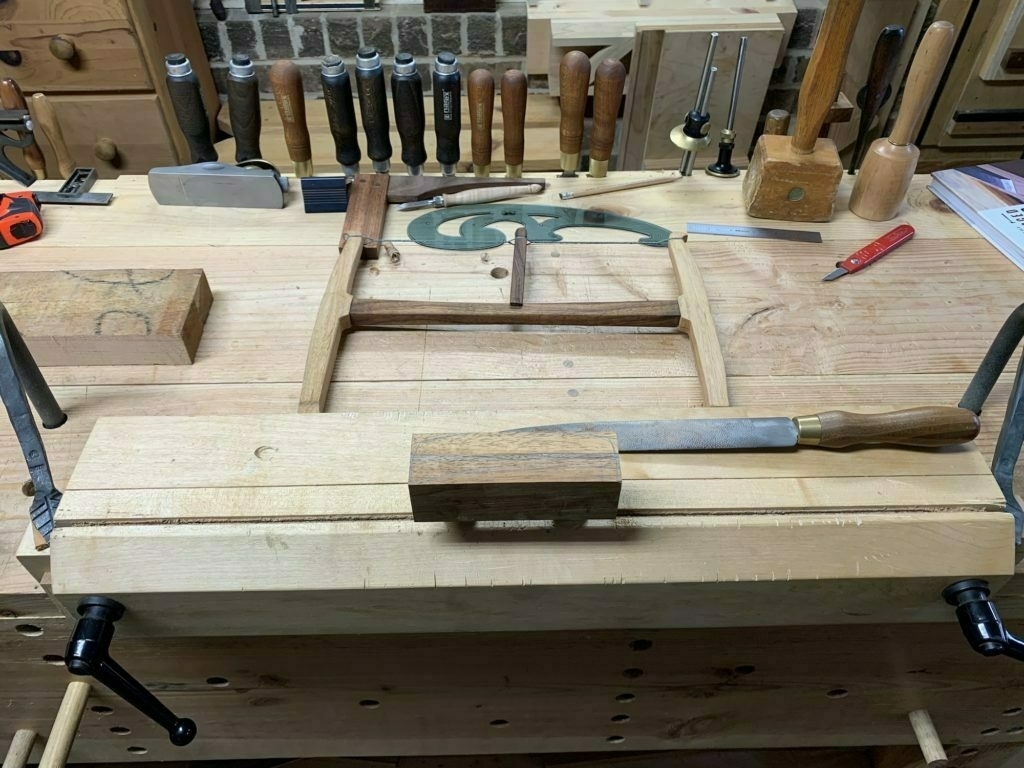
After I rough cut the shape I wanted with a bow saw, I switched to my miracle files from Auriou (as I call them) to shape it well. These files are expensive because they are handmade in France. They are worth every penny.
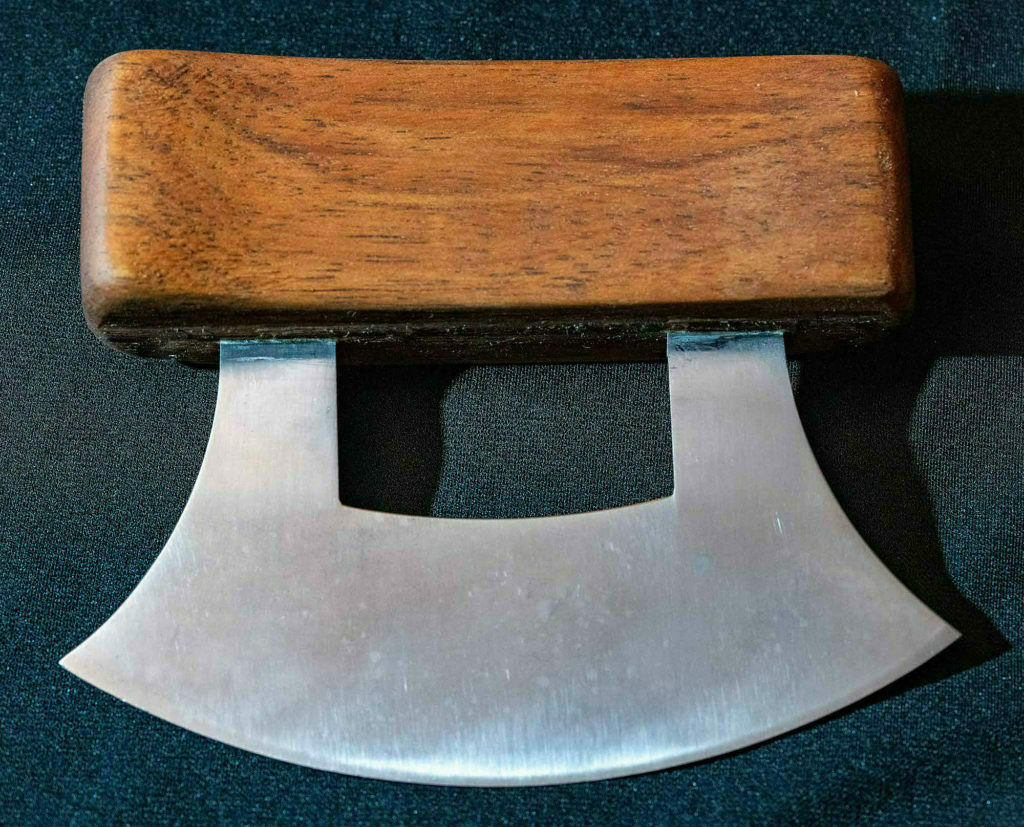
Nothing fancy, but functional. This handle is from a scrap of bubinga. I made it extra thick and nicely rounded, as it was a gift for a person with large hands.

Sector Build

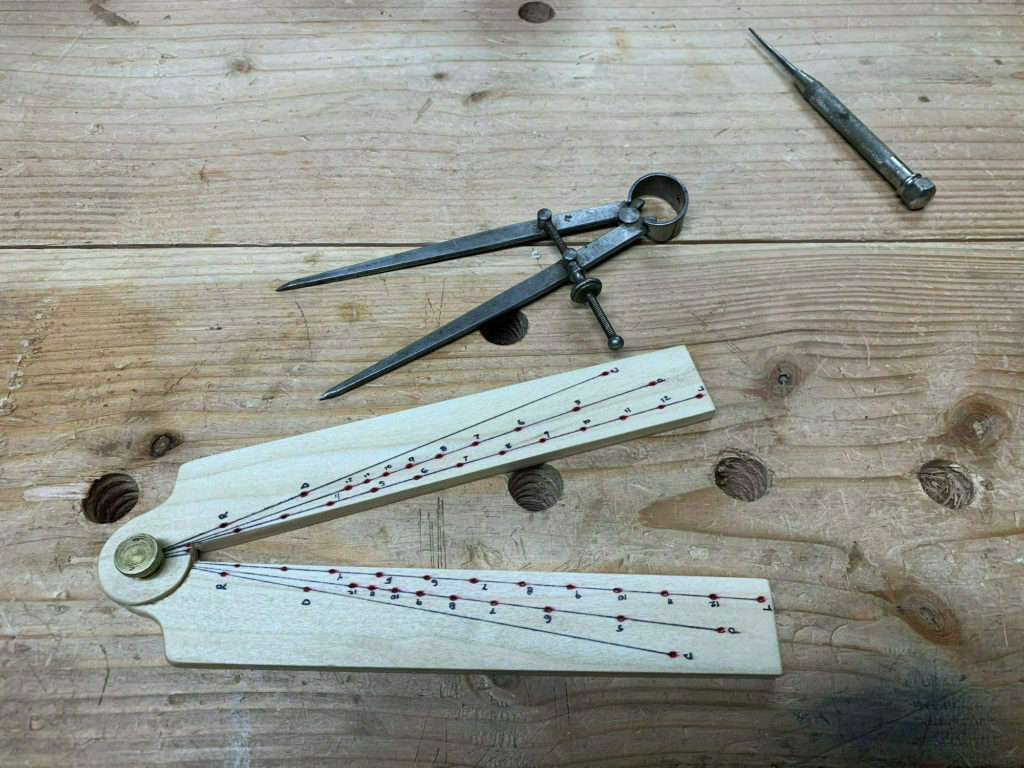
a wooden sector
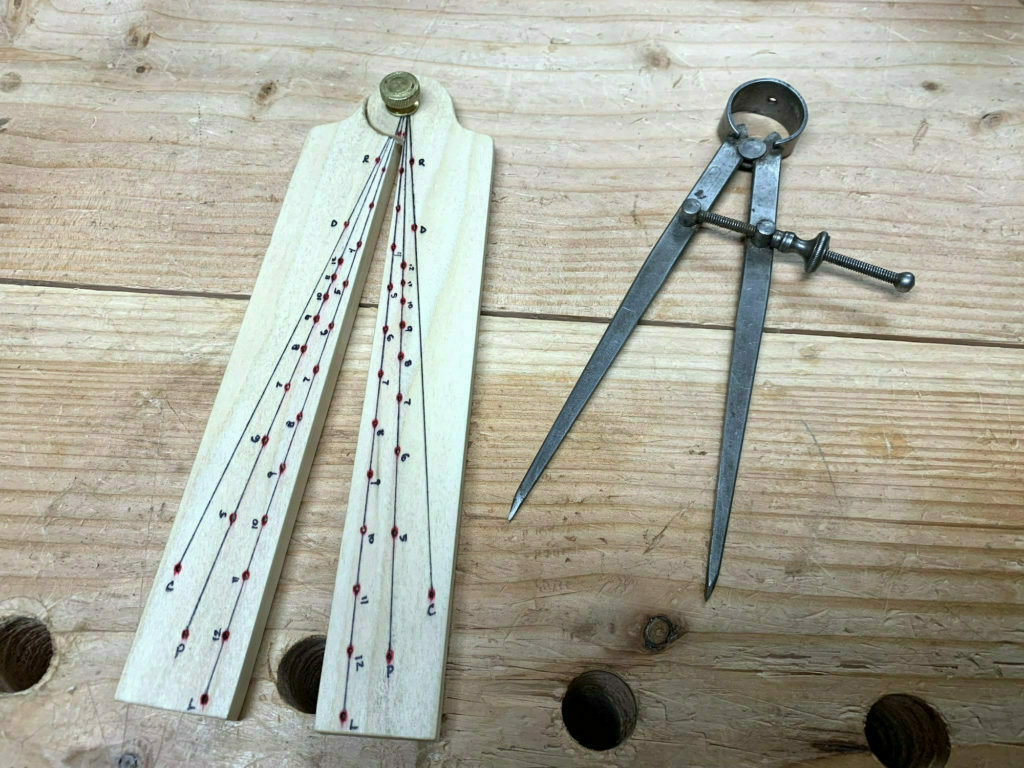
Completed Sector

What is a Sector? Here's an excerpt from Lost Art Press, where free instructions and template are available to download:

If you haven’t heard of the sector, it probably means you aren’t an artillery officer or a ship’s navigator working in the 17th century. An invention attributed to the great astronomer Galileo, the sector was a calculation instrument comprised of a pair of hinged plates engraved with a variety of scales that – coupled with a pair of dividers – enabled the operator to calculate proportions, polygons, trigonometric and numerous other table functions.

— Lost Art Press

While I could have made one out of paper and laminated it, I decided to make one out of scraps of poplar.

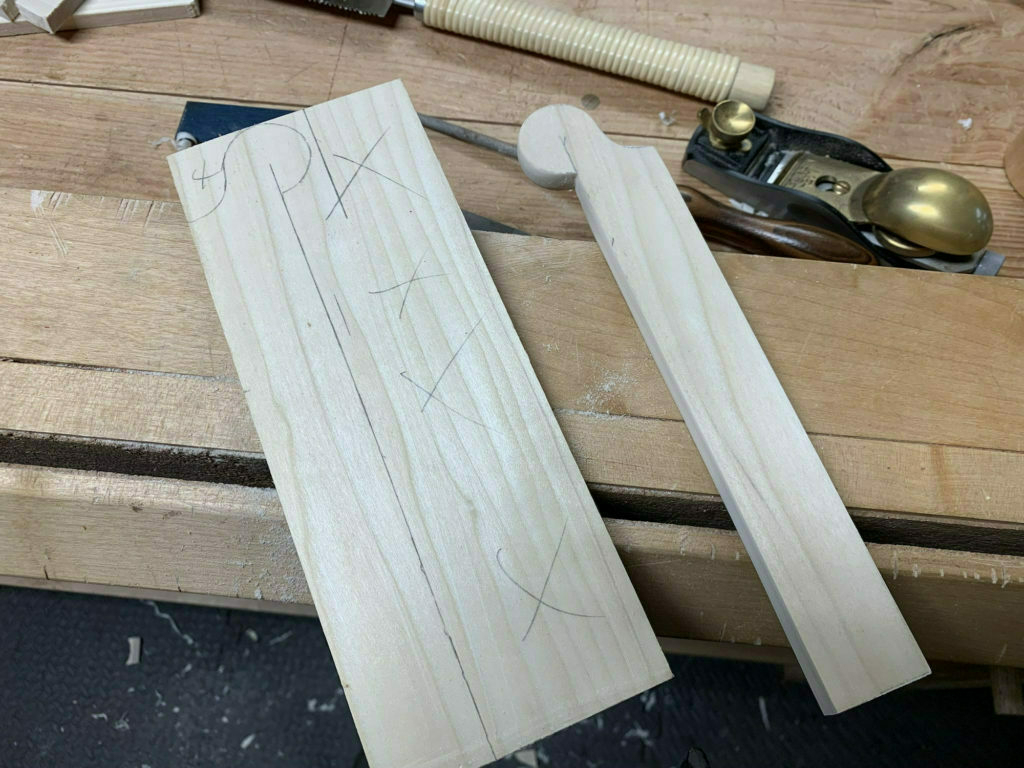
I started with a print-out of the template from Lost Art Press and used it to transfer the shape of the tool to the wood.
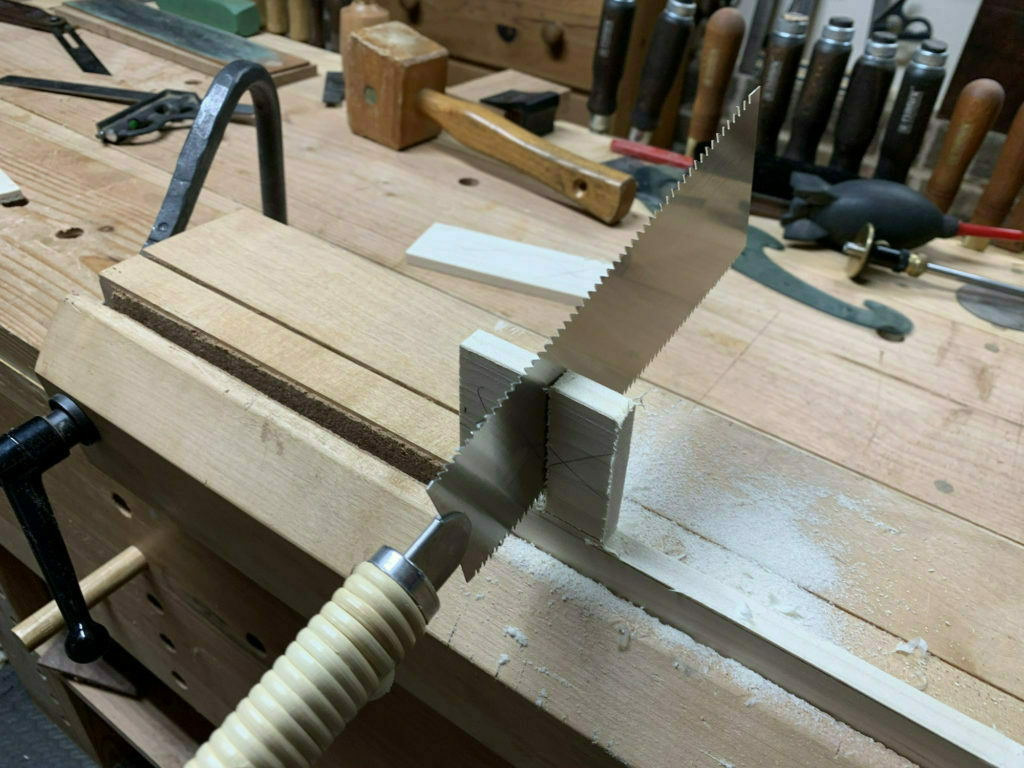
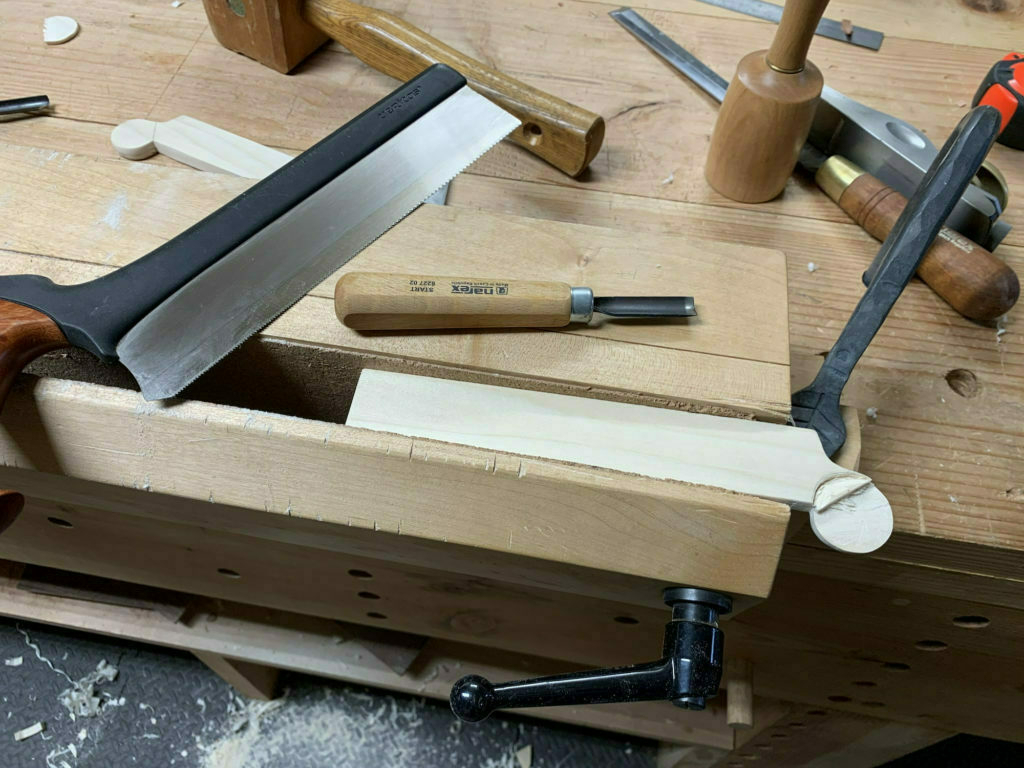
I used a Japanese saw to slice it up.
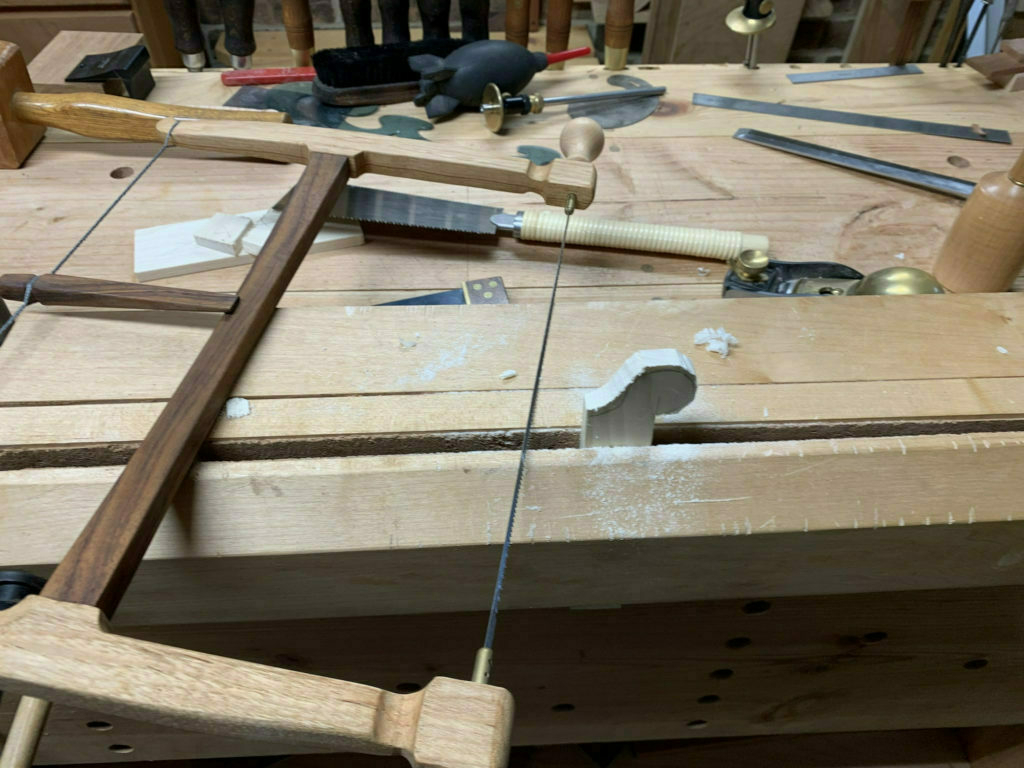
A bow saw and some file work made quick work out of shaping it.
For the rounded top where the two sides of the sector are attached, I used some carving tools to carefully reduce the width. Then I drilled a hole through each piece to fit a brass screw I had on hand.
With the paper template as a guide, it was pretty easy to map out the lines and points on the wood. Then I used a punch to mark the points. These points are where the compass registers to make calculations. The markings are done with sharpies.

That's it. Not much to it, really. But what an incredible tool for laying out stock and accomplishing other dimensioning. Someday, I may splurge and get a professional model. I found this beautiful Sector from Acer-Ferrous Toolworks that is both pricey and beautiful. Here's another lovely Sector from burnHeart.

Linux on an iPad

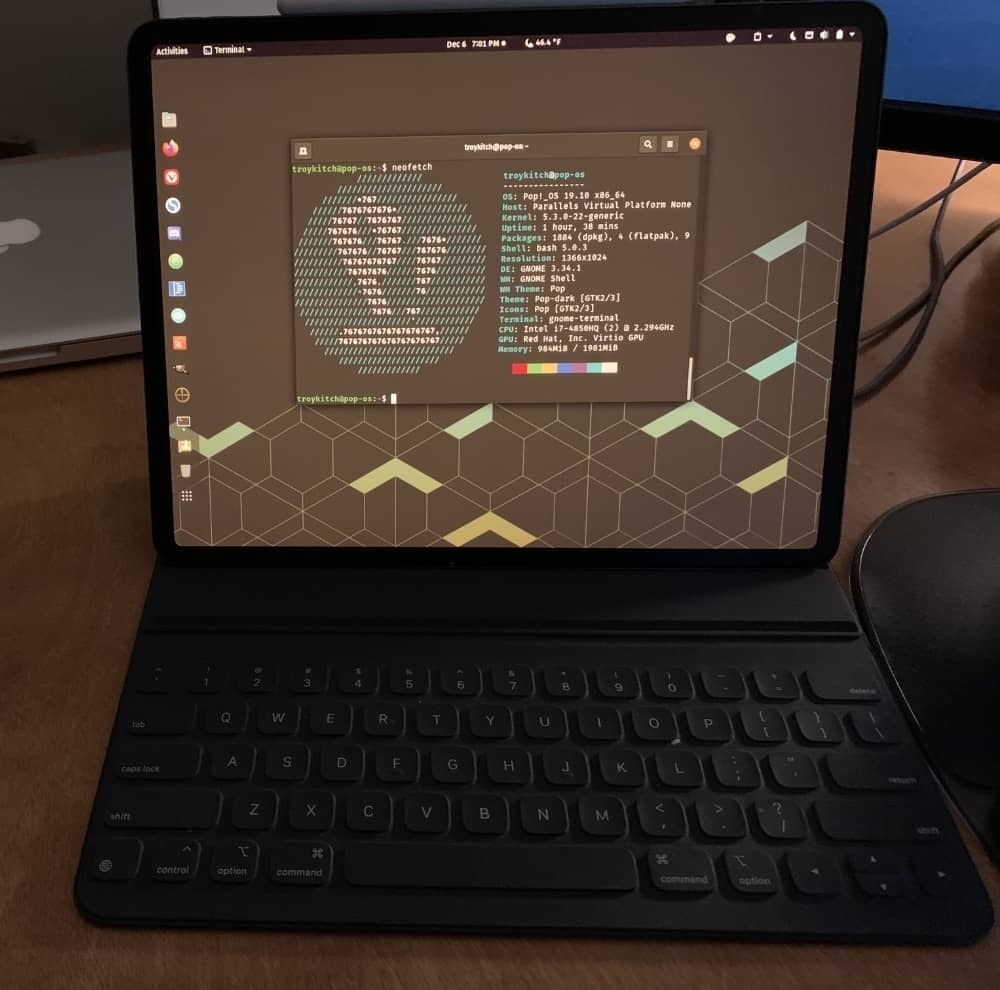
Pop! OS on an iPad

I recently "upgraded" an old 2009 Macbook Pro with Elementary OS, a fantastic Linux distribution. This led me down the distro hopping path, exploring way too many different Linux distros on my primary 2013 Macbook Pro using Parallels.

Then it occurred to me that to try out Linux on my iPad, just for kicks. Turns out it works great, provided you have a tool to run virtual machines and a Luna Display adapter. Above is a screenshot of my iPad displaying Pop! OS via my Macbook. Maybe this isn't the most useful thing in the world, but it's pretty cool to use my Apple pencil on Linux.

As an aside, my forays into Linux have been so enjoyable that I'm strongly considering switching to a System76 machine when my Macbook Pro kicks the bucket. I hope to hold out until System76 launches their first in-house designed laptops.

Ergodox EZ and Arrow Keys

I bought an Ergodox EZ Glow ergonomic mechanical keyboard in 2019 and I've grown to love it. It took me some time to adjust to a split keyboard, and even more time to nail down my personalized layout across three different programmed layers. The unmarked keys on the board did not take as much time to adjust to as I thought they would. I purchased the black model with Cherry MX Brown switches, and upgraded to Blue Zilent switches and gray/blue keycaps. Dreamy.

But after months of using this keyboard, there was one thing I could just not get used to: switching layers to get to the arrow keys. I never realized how often I use arrow keys until they weren't easily accessible. My solution was to get a tiny six key customizable keyboard from TechKeys. It fits perfectly in between the two keyboard halves. In addition to the arrow keys, I programmed the top left and right keys with an extra shift and space, because it's often quicker to tap the tiny board when arrowing around. I think it's an amazing set-up.

Now I just need to get some custom keycaps for the tiny board. I'm currently using leftover keys from my Vortex Race 3. Why two mechanical keyboards? I have a standing desk station and a sitting desk station. I use the Vortex while sitting, the Ergodox while standing. Excessive? Perhaps. But the Ergodox is not the easiest keyboard to move around, so this works for me. Plus ... I just love mechanical keyboards. It's a bit of an addiction.